You wake up in a cute girl’s home who’s eager to keep you by her side! Engage with thematic stories, puzzles, and unique AI NPCs who’ll go to any lengths to protect you—even when it means contradicting themselves. Bask in meet-cutes or brace for chaos if you try to escape.
This first-of-its-kind escape room game features unpredictable characters with dialogue, items, and levels powered by AI. Along with interactive puzzles, you can use your words to outsmart your captors or negotiate your way out of their worlds. Explore the spaces where they keep you trapped, and discover the mysteries that lie in their strange abodes. Your choice of words and interactions with your surroundings result in unique gameplay every time you play.
My Responsibilities
Interaction Framework: I developed the interaction framework, ensuring a easily extendable expansion on more and more complex interaction in the latter development.
ScriptableObject Communication Middleware: I architected a decoupled event bus utilizing Unity ScriptableObjects to serve as a communication layer between disparate gameplay systems. This middleware reduced direct dependencies between GameObjects, allowing designers to link complex behaviors directly in the Inspector without engineering intervention and significantly accelerating the iteration cycle.
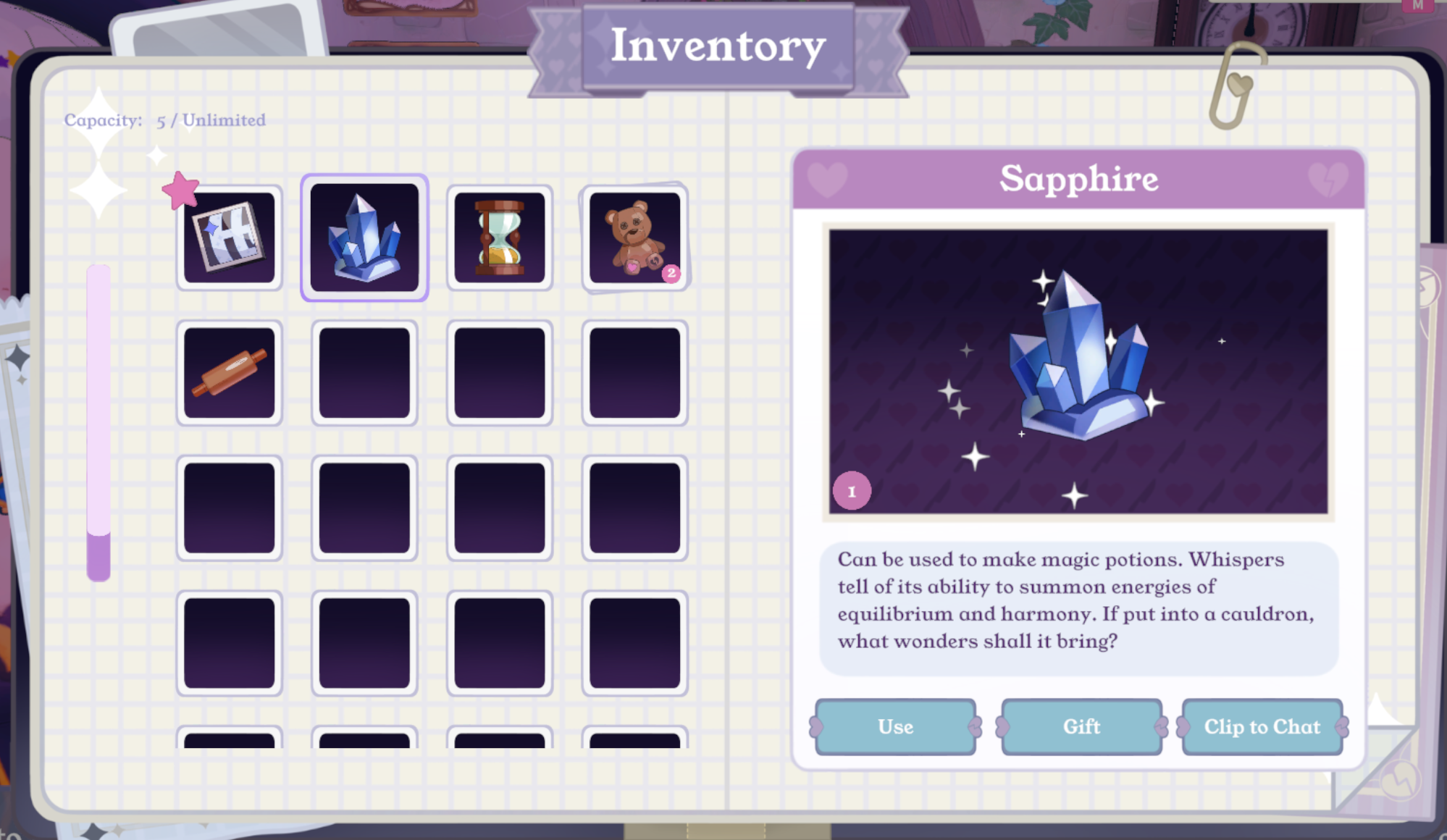
Inventory System: I programed the inventory system that the individual items are collectable by the whole system, but also highly modifiable separately. It is designed for not only contributing to in-level usage, but also for managing translation, sending as rewards through mail, saving for long-term in the hub world (the main lobby), etc.
State Machine: I implemented the primary functions for the player state machine to manage complex character behaviors and transitions.
Level Architecture: I built modular level structures designed to maintain consistency across the project while remaining flexible enough to support unique, level-specific mechanics.
Developer Debug Suite: I engineered a comprehensive in-game command console and QA toolkit to streamline the iterative playtesting process for our team.
Minigames & Level Features: I implemented multiple mini games and level-specific features across all levels, modify and improve them based on the design needs.
Interaction Framework
Overview
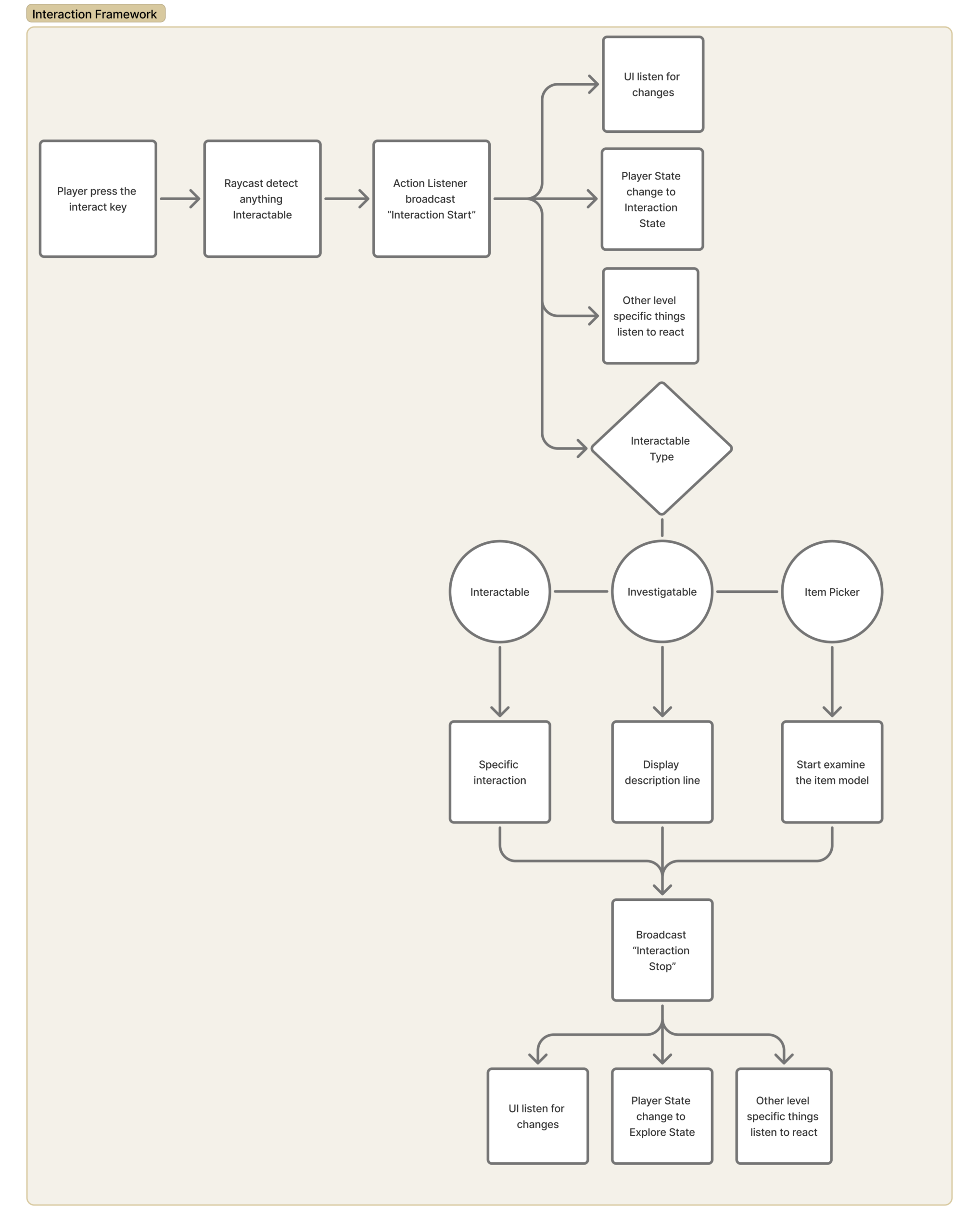
In a puzzle-heavy escape room experience, the interaction model is the primary driver of player engagement. I developed a high-extensibility interaction framework using a ScriptableObject-based broadcast-listener pattern, which I call Action Listener. This architecture decoupled world interactables from UI, SFX, and camera systems, allowing for seamless state transitions.
Designer Empowerment
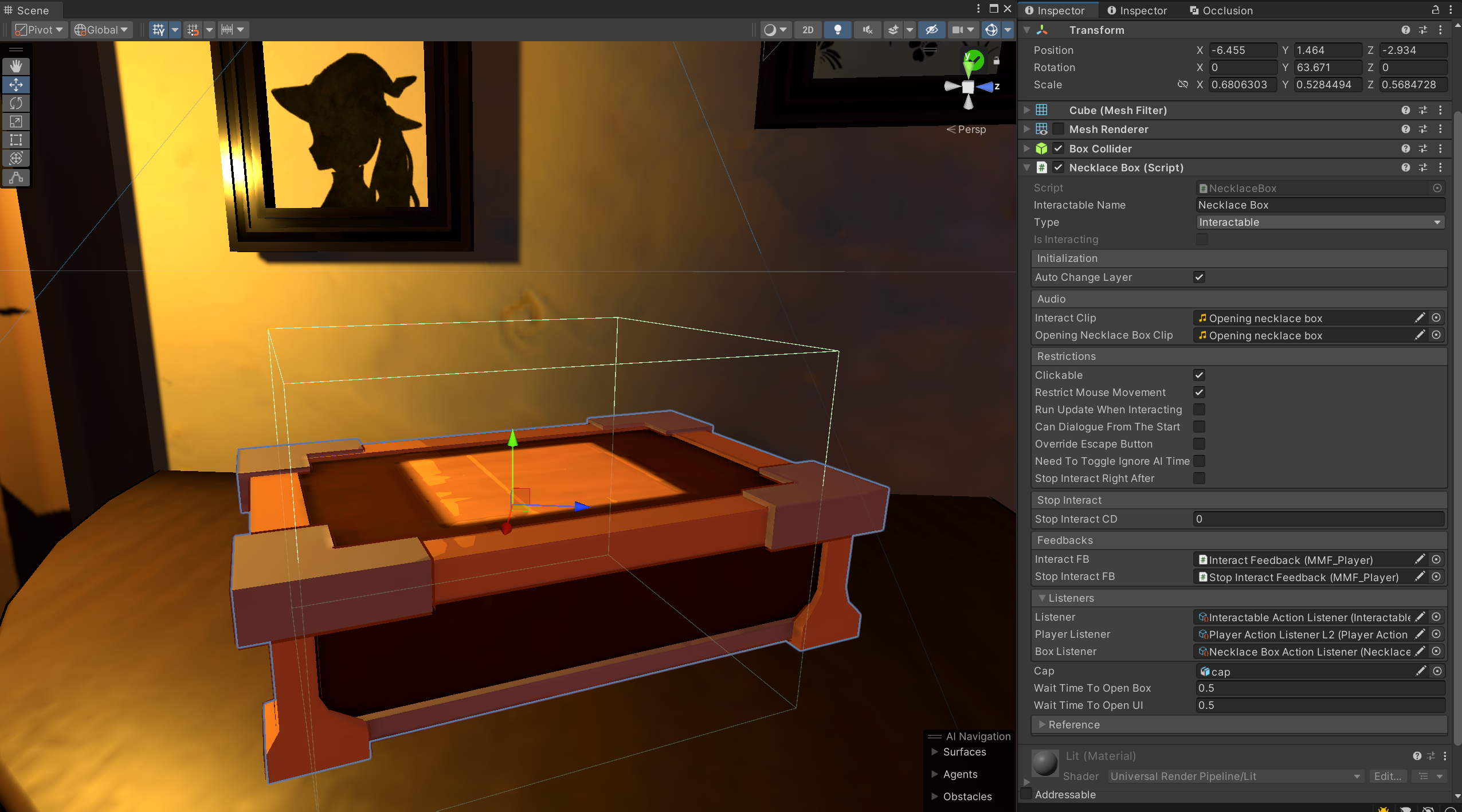
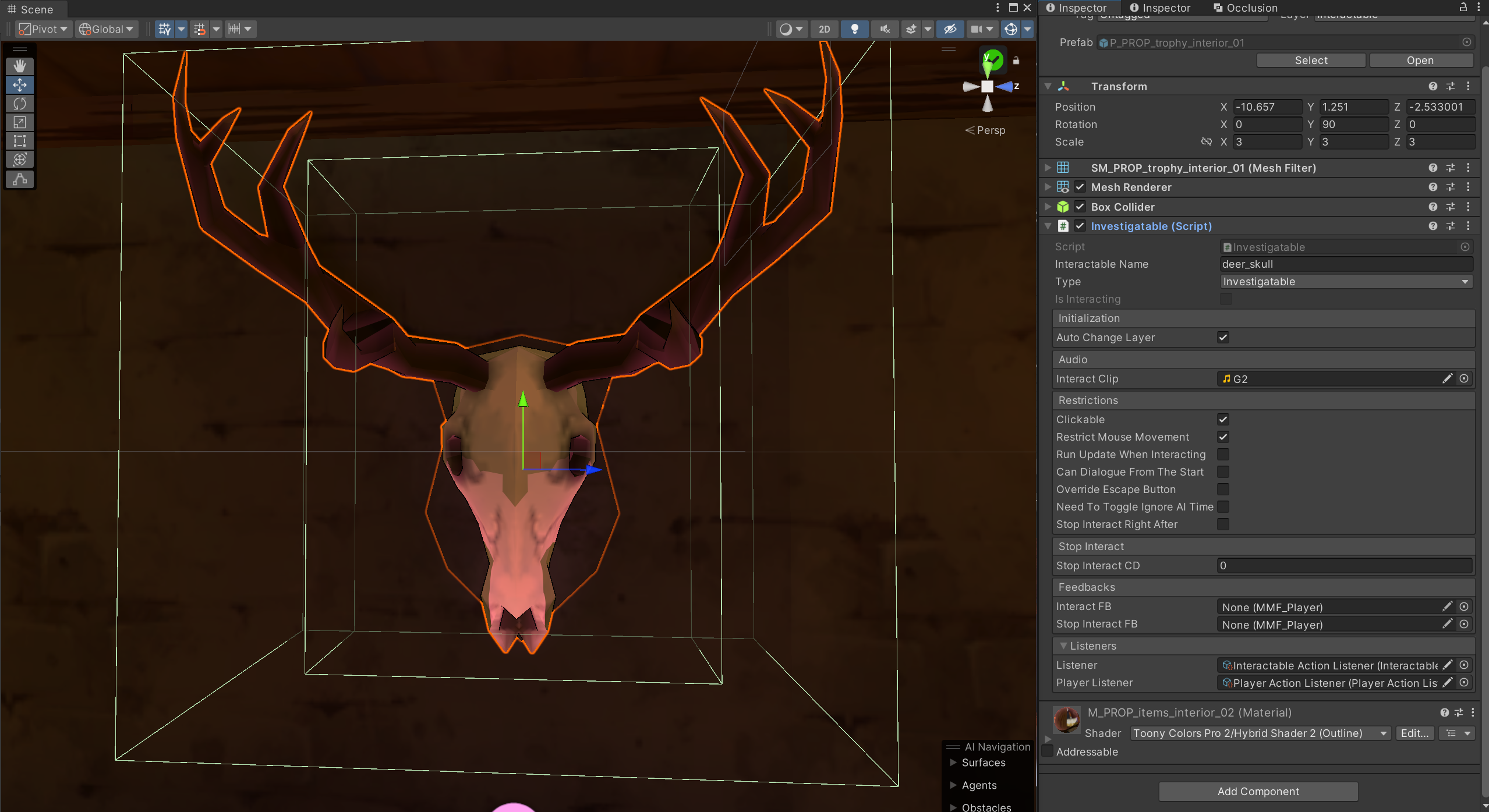
I prioritized a “Code-Free” workflow for the content team. Name, type, audio, and game juices can be changed directly through the inspector. I enabled designers and artists to iterate on the feel of every object without engineering intervention.
Interaction Categories
Interactable
All game objects that are not an inventory item and require players to actively focus for a duration of time. For example, all minigames, chairs, and terminals are Interactables.
Investigable
Simple one-line description that will both appear on the screen and notify NPCs that players have checked this game object. It can have multiple layers of description that will unlock according to players actions.
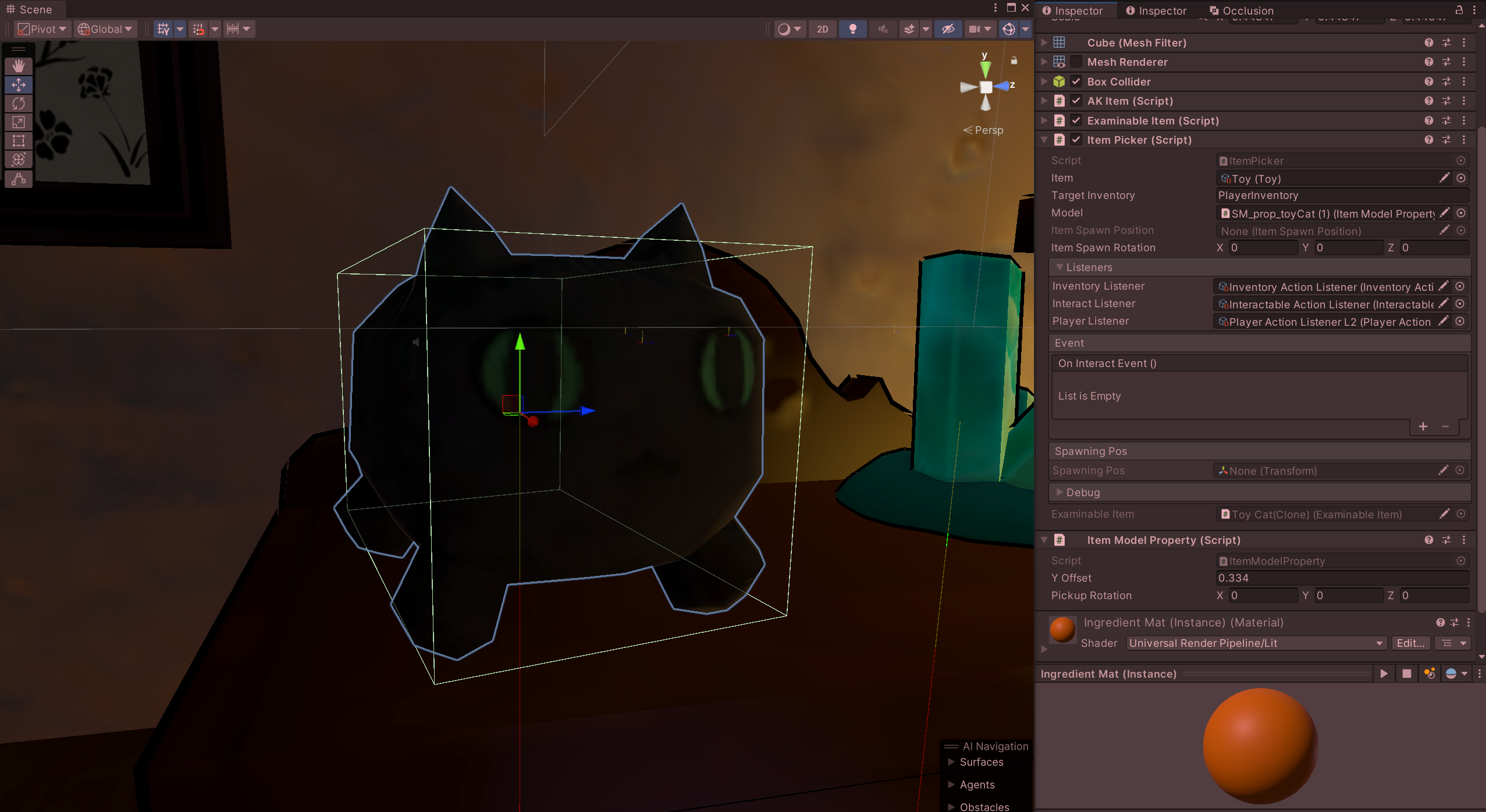
Item Picker
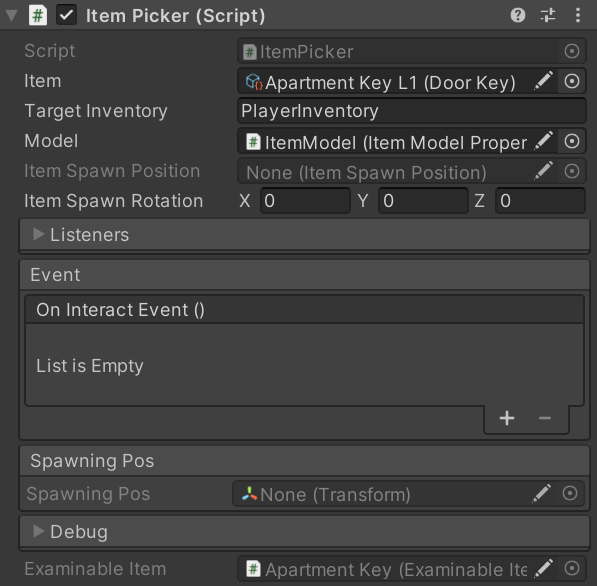
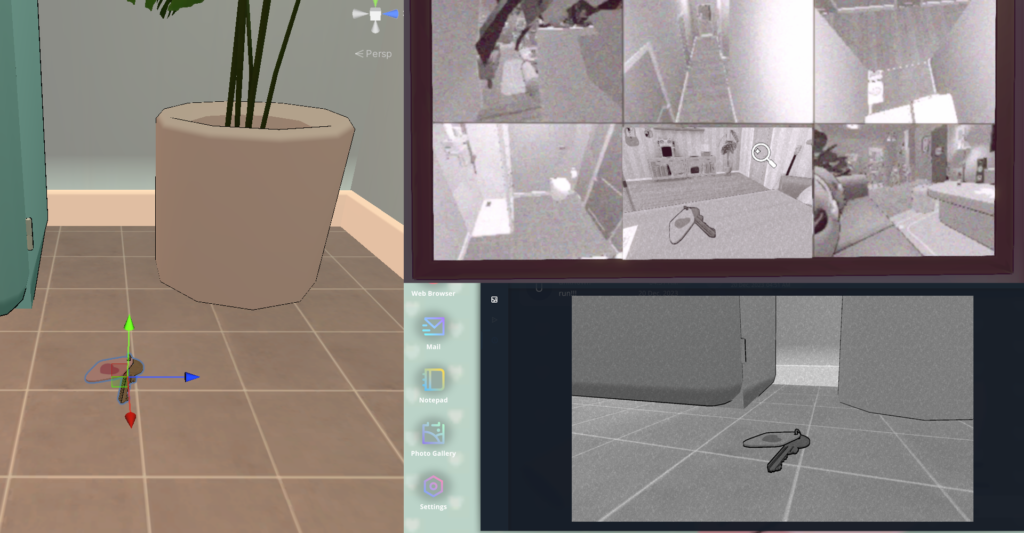
In-world model of items that players can examine and pick up to their inventory.
ScriptableObject Communication Middleware
Overview
I architected a decoupled Action Listener (ScriptableObject-based Event Bus) utilizing Unity ScriptableObjects to serve as a communication layer between disparate gameplay systems. There are several Action Listeners in the project, managing player actions, Interactable actions, UI actions, and more.
Functionalities
Decoupling: Using the Broadcast-Listener design pattern to decouple classes
Memory Safety: Since ScriptableObjects exist in the project folder rather than the scene hierarchy, they facilitate a “subscribing/desubscribing” workflow that eliminates common memory leak risks associated with traditional C# events.
Modular Testing: This architecture allowed for scene-isolated testing. New features could be validated in empty scenes by simply dragging in the required Action Listener, removing the risk of null-reference errors
Designer-friendly: Drag-and-drop will do the work; no need to touch C# code as a designer.
Inventory System
Overview
I architected a polymorphic inventory system designed for maximum reusability across disparate game entities, including players, NPCs, and minigames. Their specific inventory can be found through a string of names. Each inventory is customizable by name, capacity, and library to determine which items it can store. The system includes a robust suite of database management functions, such as add, remove, insert, switch, search, and clear.
To ensure the inventory system remained performant and adaptable across multiple game levels, I decoupled the UI layer from the core data logic using Action Listeners. It allowed us to seamlessly swap UI styles and layouts between levels, ensuring the visual representation could adapt to different design needs while the underlying data management remained consistent and bug-free.
Inventory UI
Data Immutability & Safety
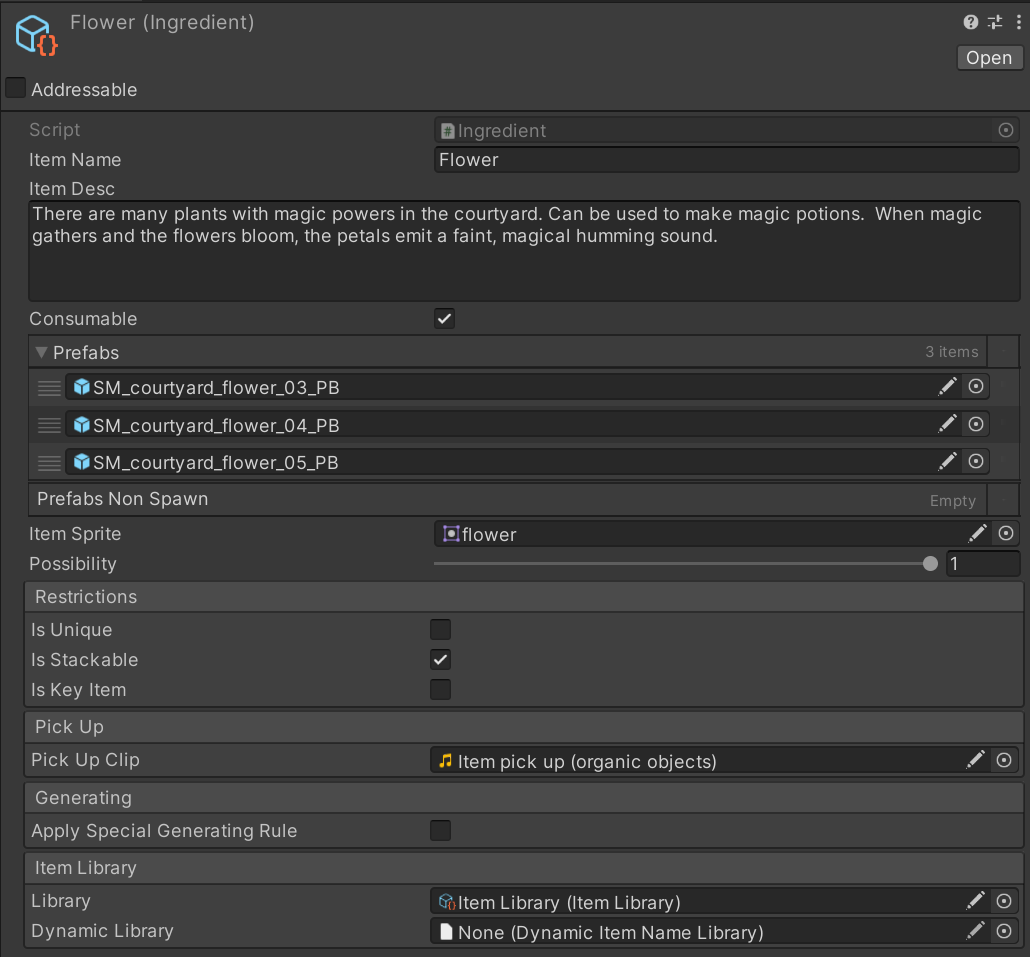
I implemented a two-part item architecture to prioritize data security:
InventoryItem (Data Layer): A ScriptableObject that stores core item metadata. Inventory would only have read access to the InventoryItem ScriptableObject’s reference, preventing data corruption during runtime, ensuring that the base item definitions remained “clean” throughout the session. AI can dynamically create InventoryItems, but they only exist for one game run.
ItemPicker (World Layer): A dedicated 3D interactable class that handles the transition from world-space model to inventory data. This includes the Examine state, which lets players interact with physical models before committing them to digital storage.
Inventory Item
Item Picker
Semantic Mapping for AI-Driven Items
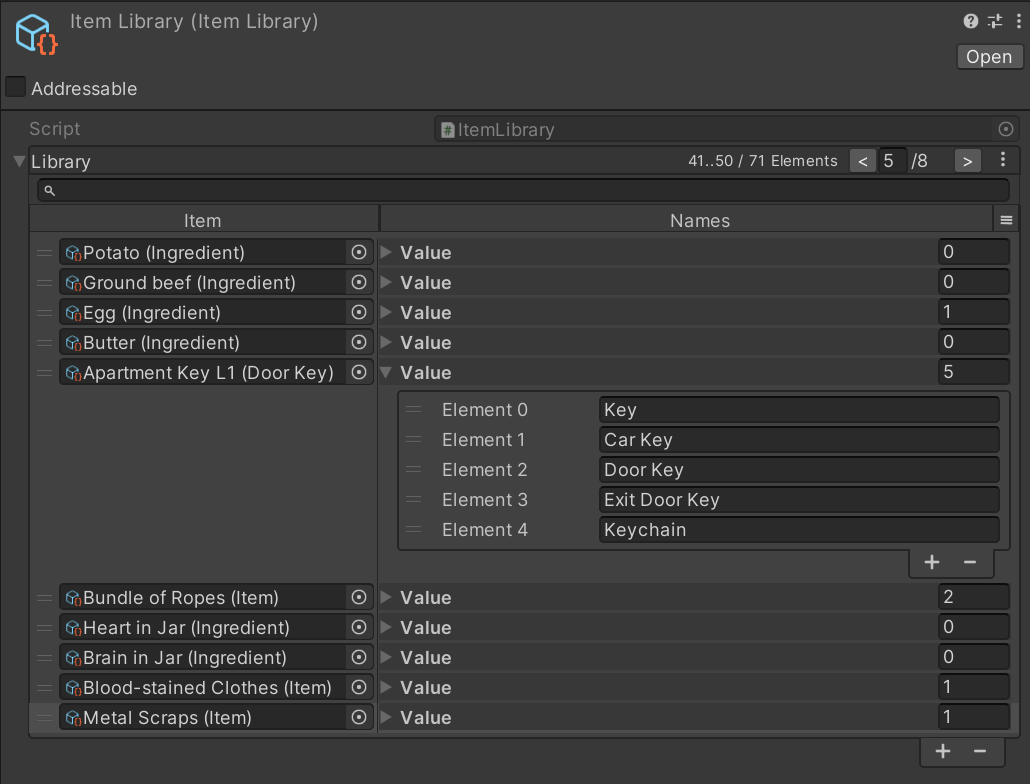
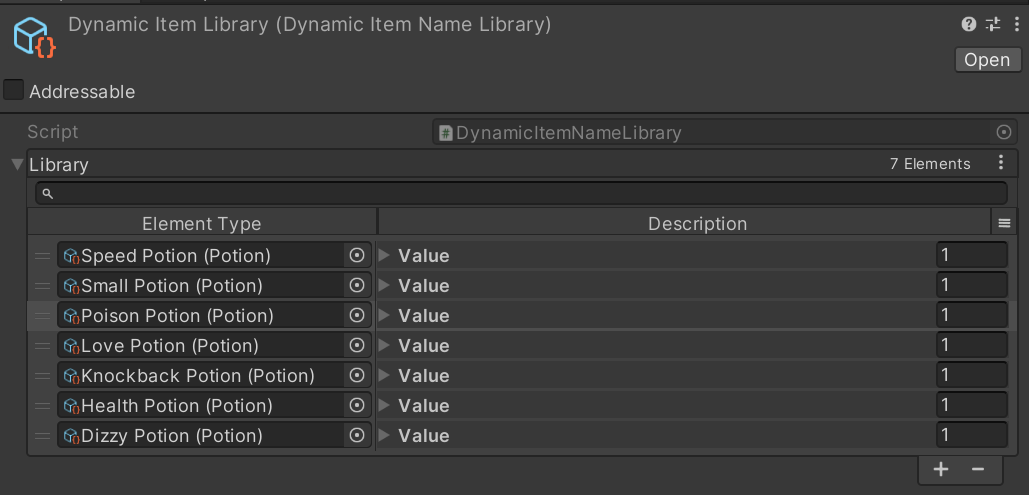
To bridge the gap between unpredictable AI outputs and rigid game systems, I developed an Item Library as a semantic middleware. Because LLMs can generate multiple synonymous names for the same object, the Item Library functions as a validation layer that maps divergent AI terminology back to defined game data. This ensures that dynamically generated items are correctly recognized by the inventory system, maintaining game stability during open-ended AI interactions.
Inventory Library
Dynamic Item Library
State Machine
Overview
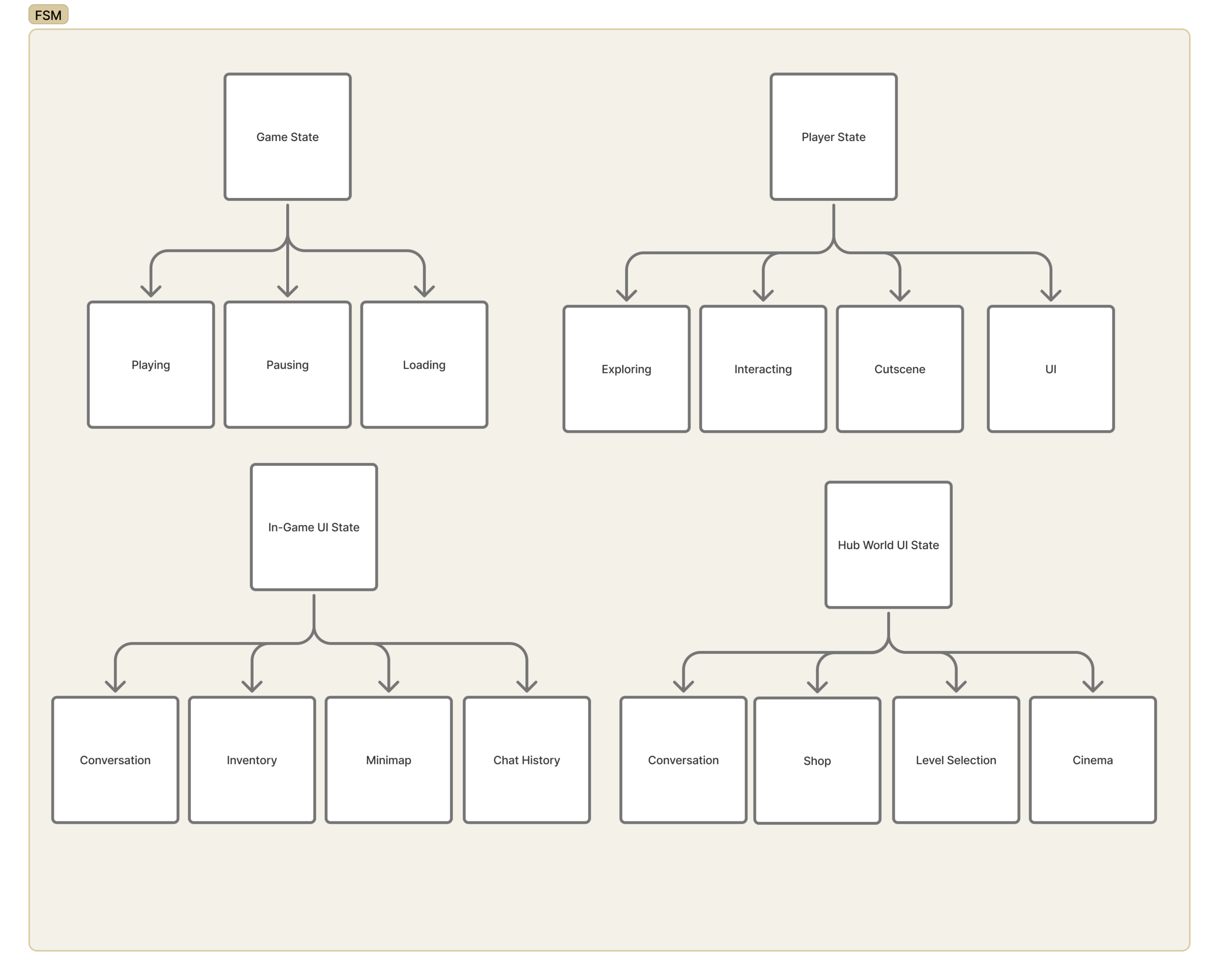
This Finite State Machine architecture serves as the technical backbone of the game, decoupling high-level game flow from granular player behaviors to support complex gameplay loops.
At the core of the system is the State Base, an abstract class that defines the lifecycle of every gameplay state through four primary methods: InitState, EnterState, TickState, and LeaveState. By leveraging C# Generics for these methods, I created a highly reusable template where the same state logic can be applied to disparate controllers without duplicating code or creating rigid dependencies.
the system is divided into four distinct machines:
Game State: Manages high-level flow such as Playing, Pausing, and Loading.
Player State: Orchestrates moment-to-moment actions like Exploring, Interacting, and Cutscenes.
In-Game / Hub World UI States: Ensures UI menus (Inventory, Minimap, Shop) are context-aware and isolated from core gameplay logic.
Level Architecture
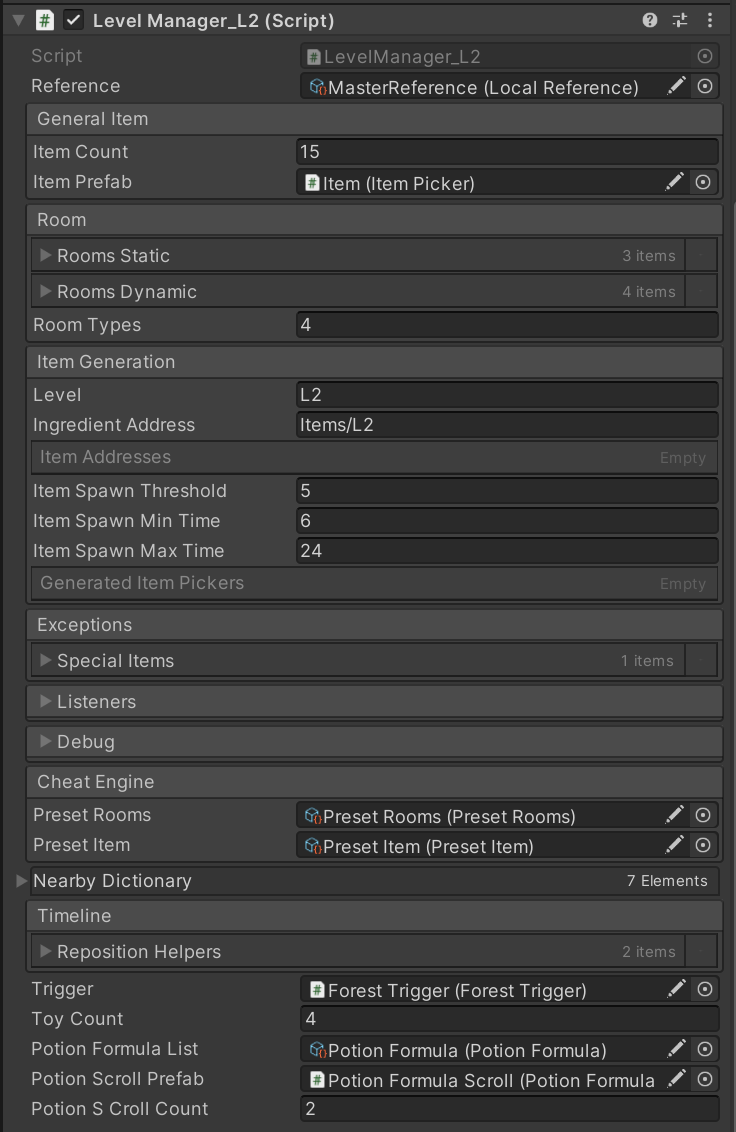
Level management are separated into LevelManager, RoomController, and AreaTriggerDetector.
LevelManager class is the top manager of the level layout
Total item generating count for this level
Real-time cutscene available position calculation
Room randomization and build the navigation mesh after it
Item spawn amount
Level-specific functions
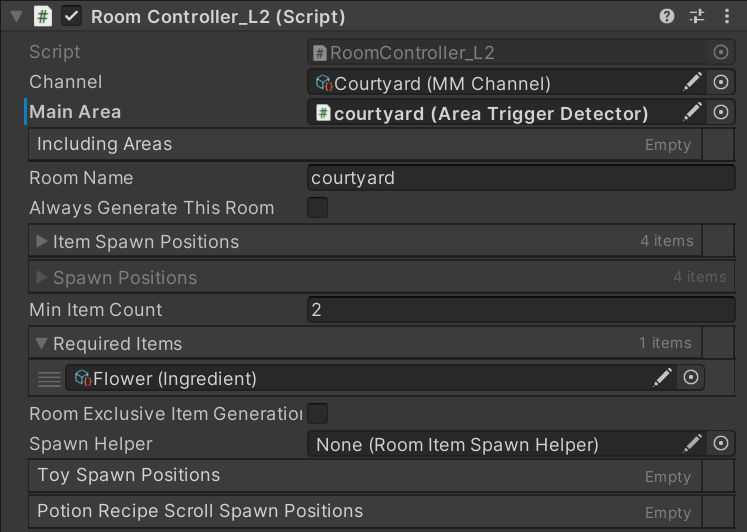
RoomController class manages all things happens inside this room.
Event notification for players entering/leaving the room
Ensure if this room will always generate during the initilization
Item spawn positions and amount in room
Areas inside the room
Level-specific requirements
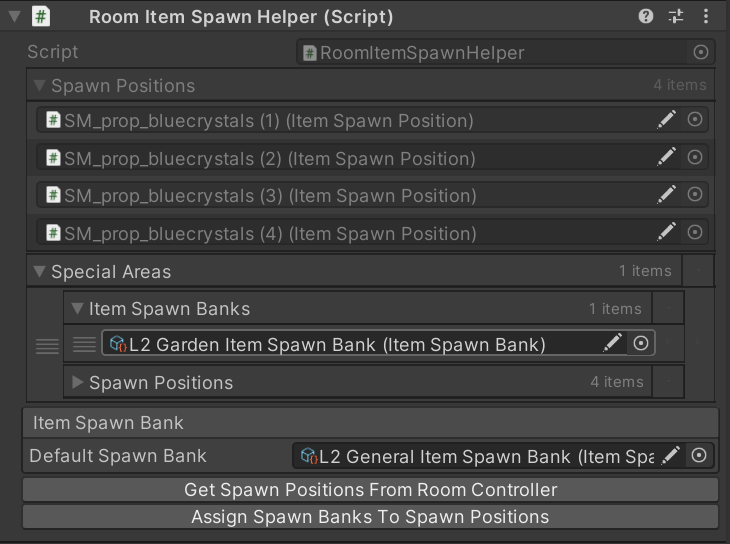
Item generation uses RoomItem Spawn Helper class to help designers quickly get and set all spawn locations within the room. It allows designers to
Get all spawnposition inside the room
Set a specific spawn bank for the room
Even more detailed control of a specific area that needs its own spawn bank
Set room and area information for the spawn point
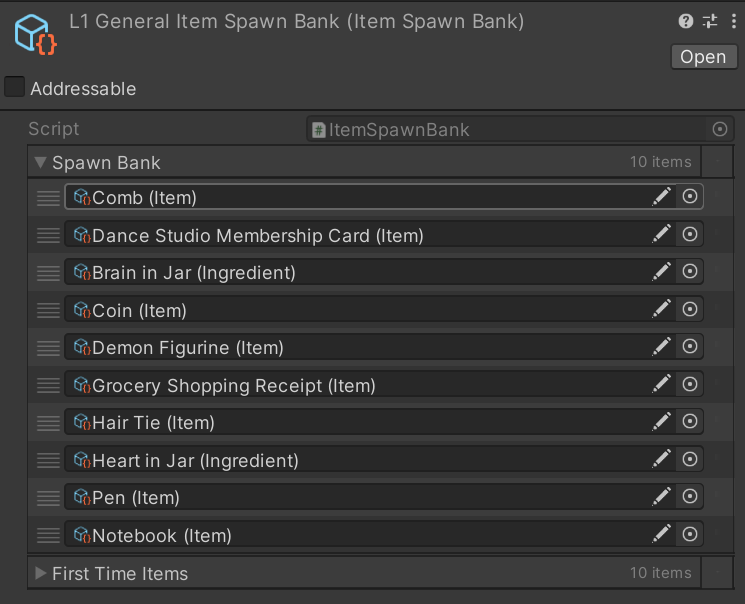
Item Spawn Bank can
Set all possible items to spawn
Make sure every item has spawned at least once before spawning repetitive items
Level-specific functions
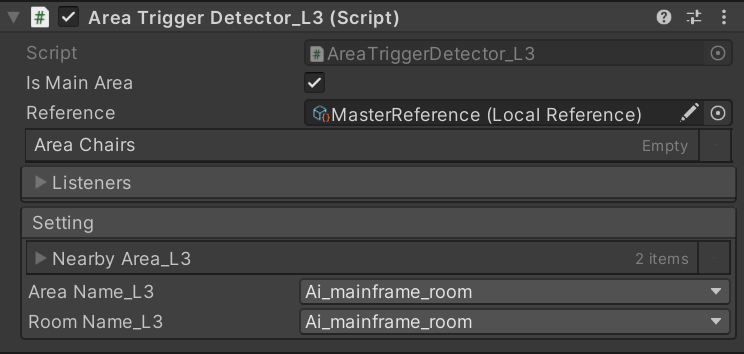
Rooms are separated into Area. LLM will use area information to determine players’ precise locations and interpret their intentions.
Finding and connecting to nearby areas (for LLM to understand their relative location to players)
NPC interactable game objects inside the area (chairs in this case)
Related room name and if it’s the primary area of the room
For ease of use, all that information would be automatically set during level initialization; designers don’t need to manually enter everything.
Level Specific Add-ons
Beyond basic structures, each level has its specific add-on that affects the level construction.
Level 1 room randomization
Level 2 random maze generation
Level 3 portal
Developer Debug Suite
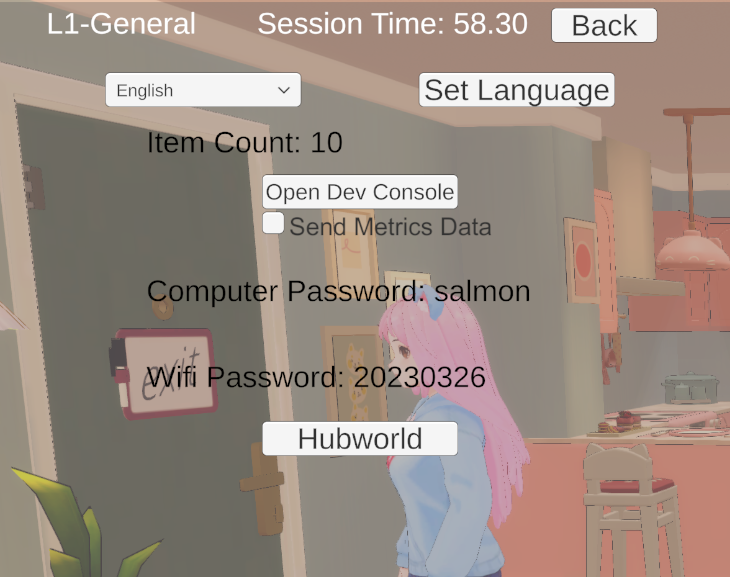
I programmed the Debug Suite to make playtesting easier. Playtesters can It contains various functions, including:
Level Specific Cheat Notes
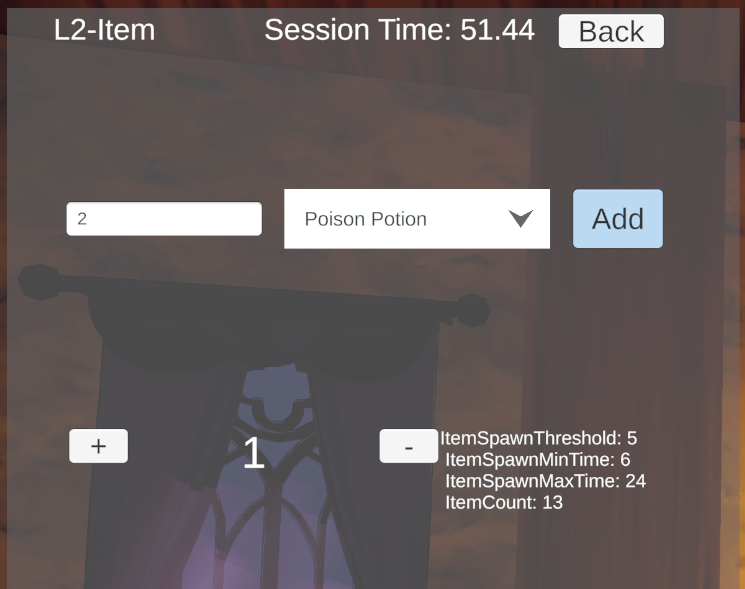
Inventory & Item Spawn Control
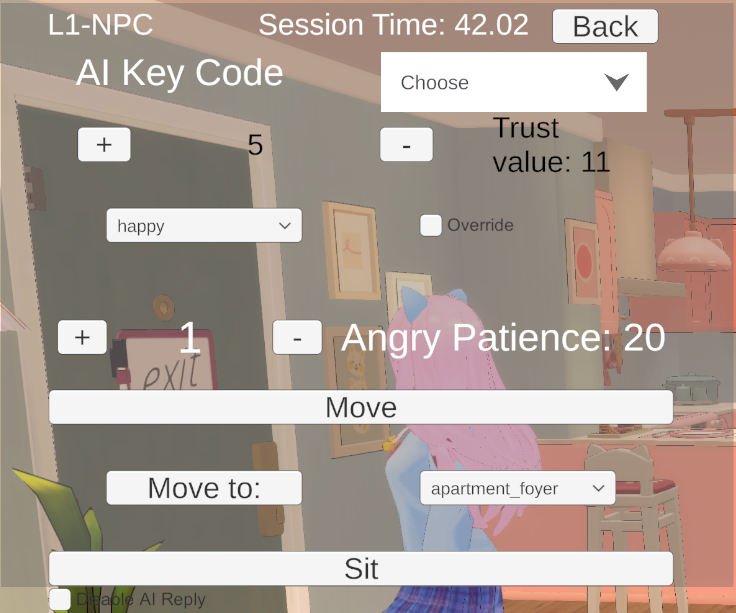
NPC property & Movement Control
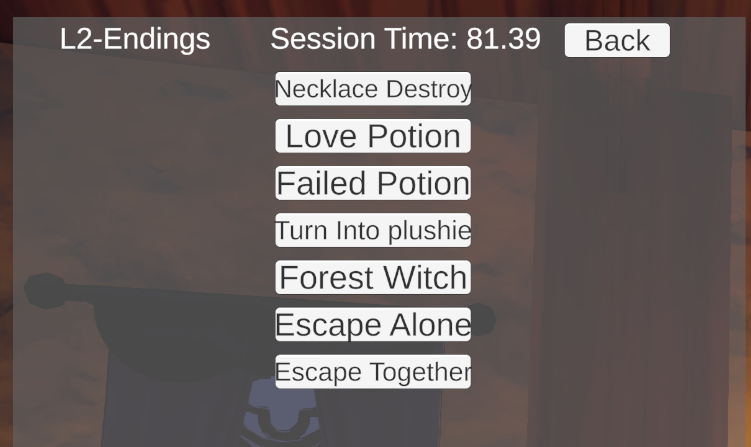
Ending Quick Tests
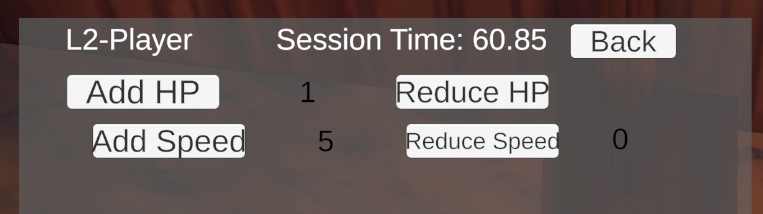
Player Property Control
Mini Games & Level Features
I developed integrated level mechanics to add variety to the level design.